
Keep your treasury systems clean and consistent
OmniFi Data Manager automates configuration and master data management across treasury systems. It handles standing data updates, counterparty management, account configuration, and other repetitive data maintenance that would otherwise require manual entry directly in the TMS.
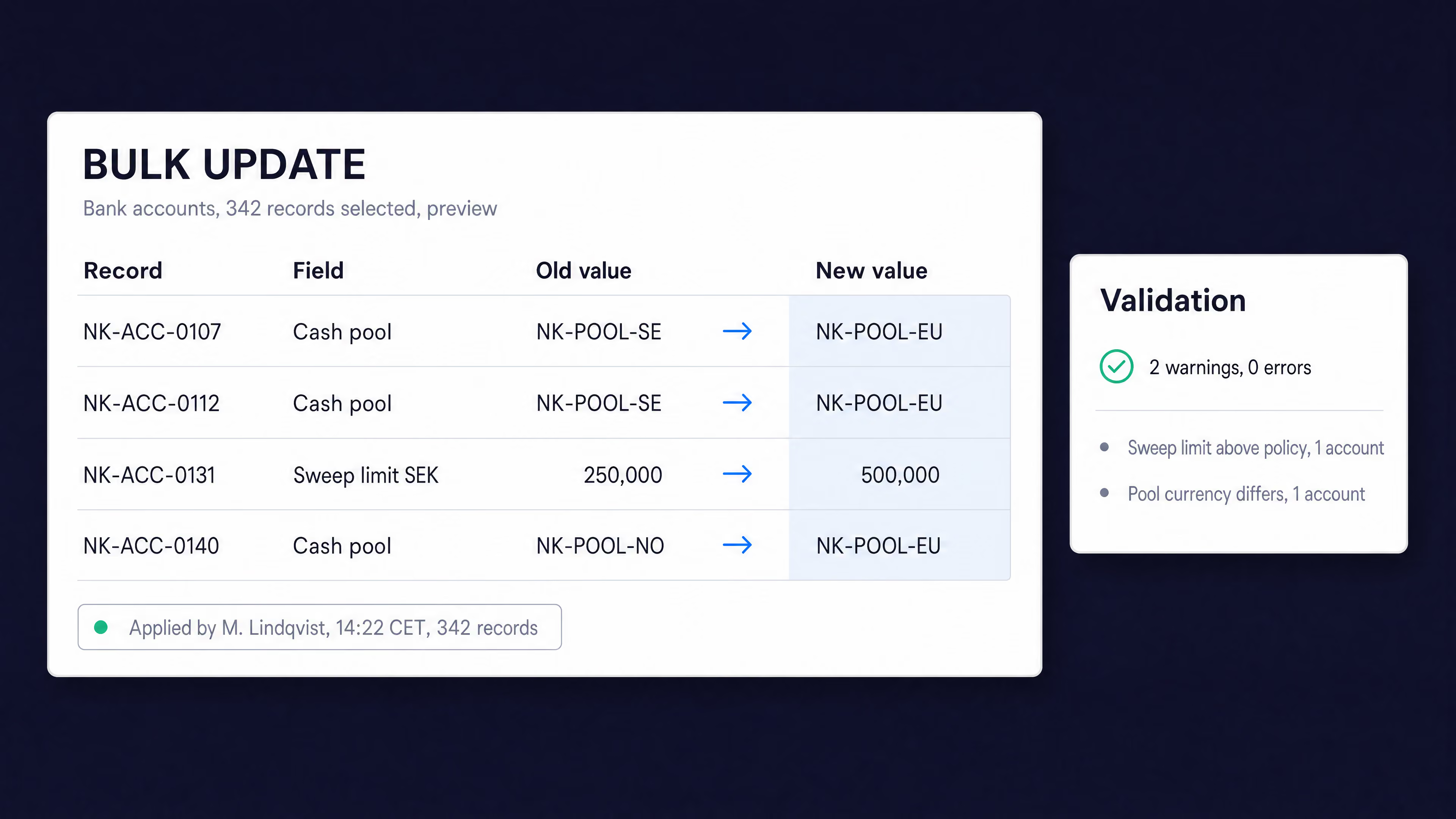
Bad reference data is a slow leak that surfaces at the worst possible time
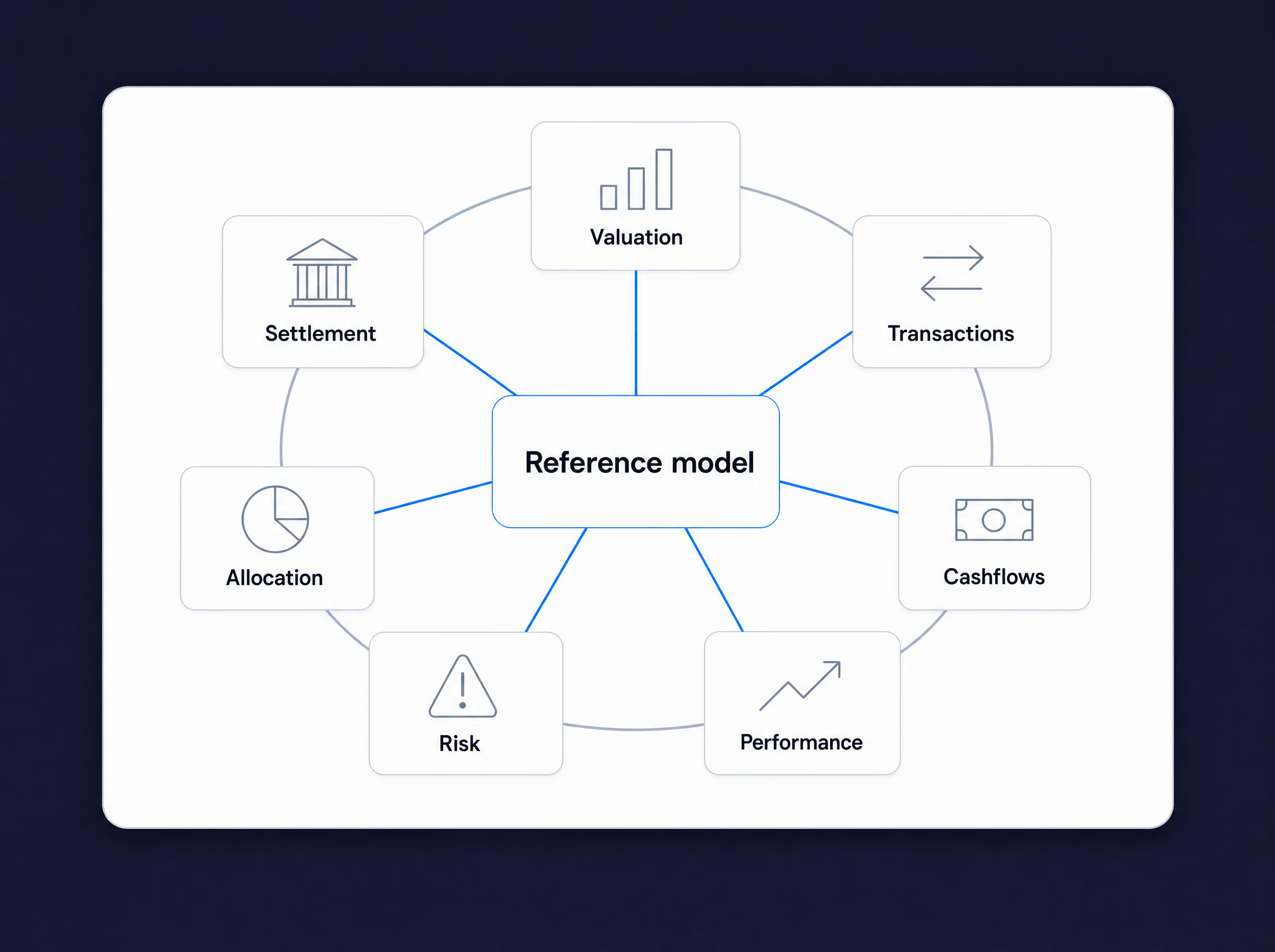
Counterparties, accounts, and standing data are the configuration treasury runs on, and they have to stay consistent across every system. Keeping it that way usually means manual entry, system by system. It is tedious and error-prone, and a single inconsistency can break a payment or misstate a position downstream.
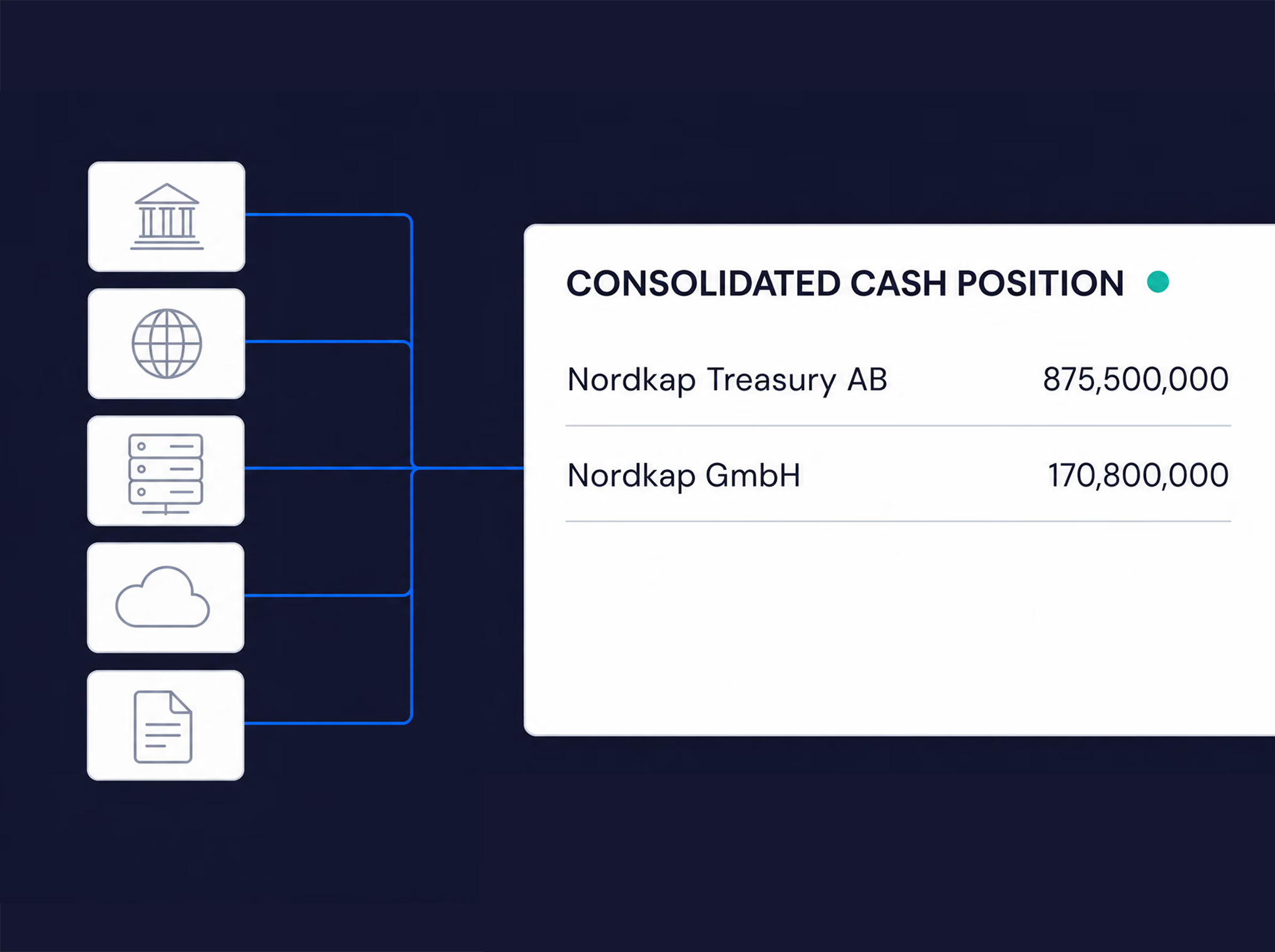
OmniFi Data Manager automates standing data and configuration updates across systems, through each system's own APIs and within its existing permissions, so the data your processes depend on stays clean at source.
What you can do with
Data Manager
Change it once. Everywhere
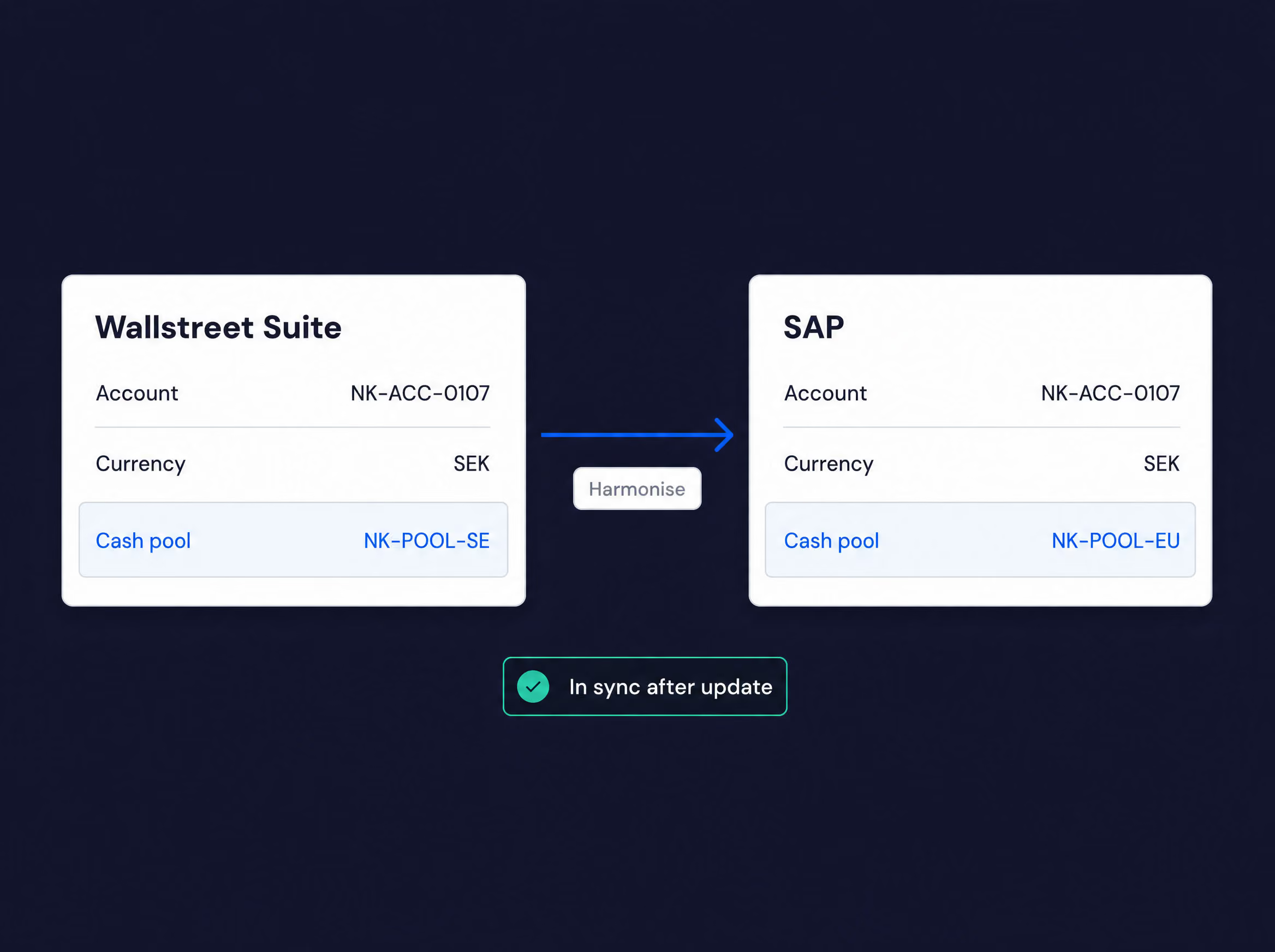
A new cash pool, a changed limit, a counterparty renamed — push it to the TMS, the ERP and everything in between from one place, through each system's own API. No re-keying, no drift.
Validated before it lands
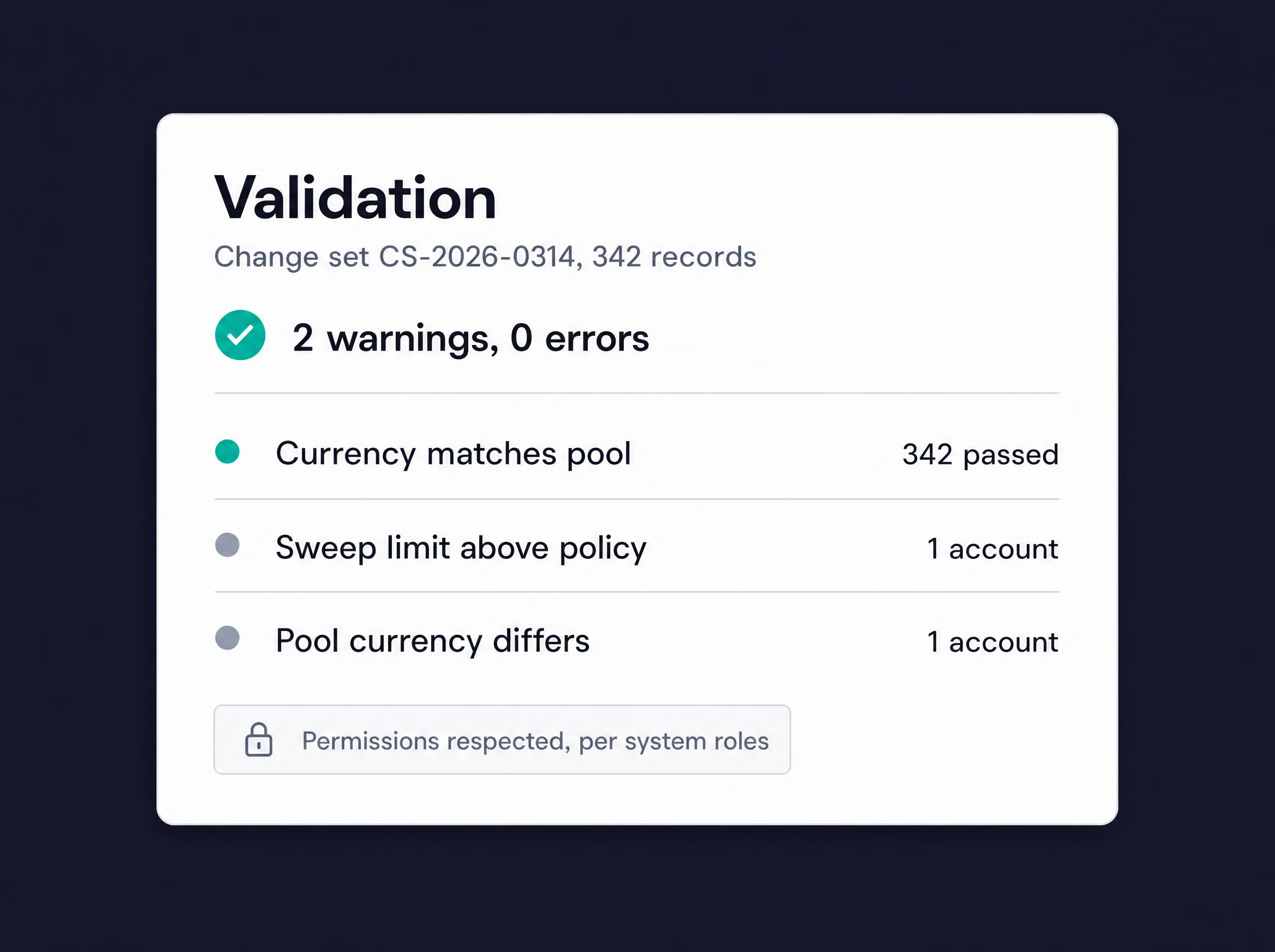
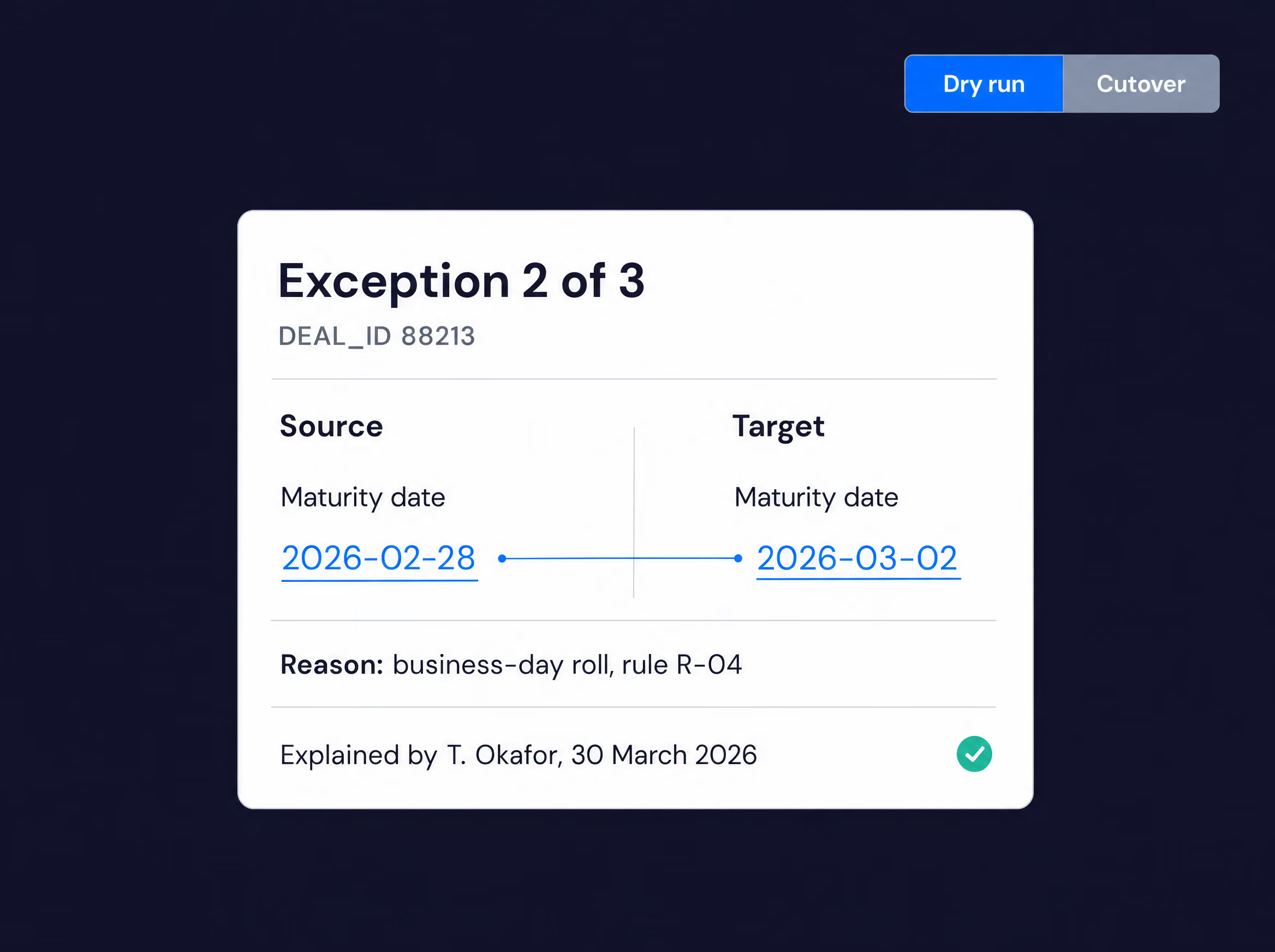
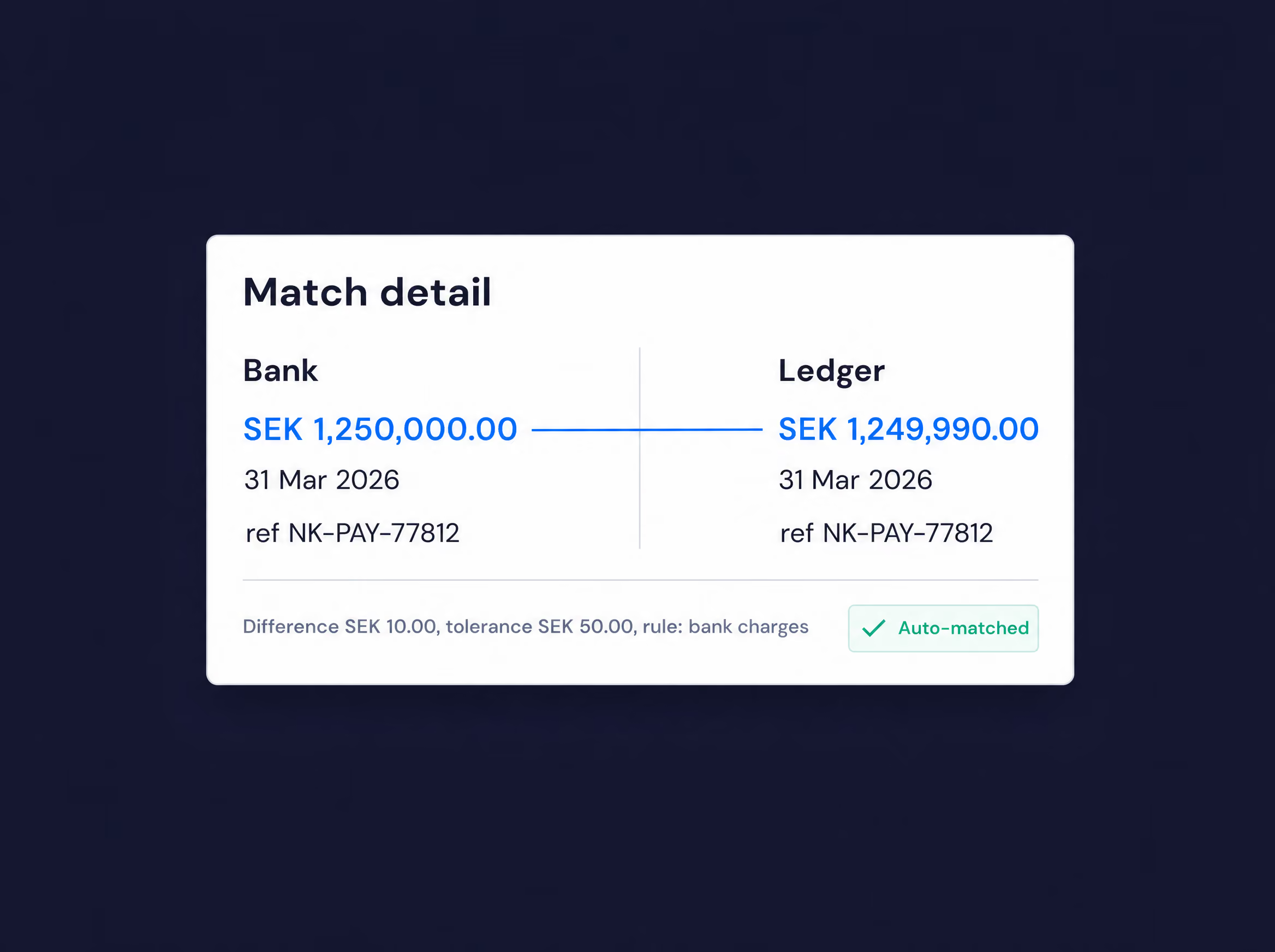
Preview 342 changes as a diff, run them against your policy rules, and see the two warnings before anything is written. Changes respect every system's own permissions — OmniFi never bypasses them.
Who changed what, and when
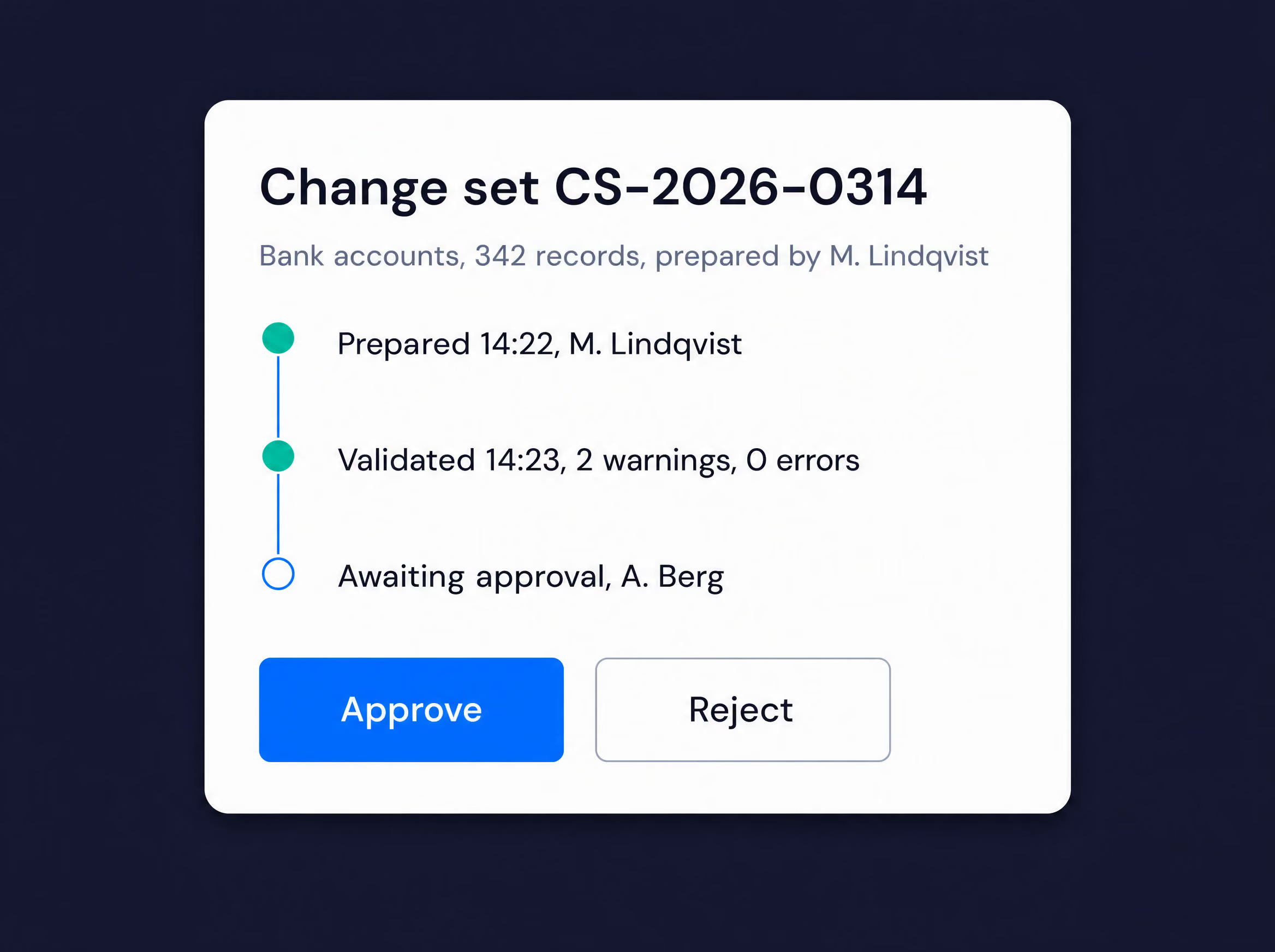
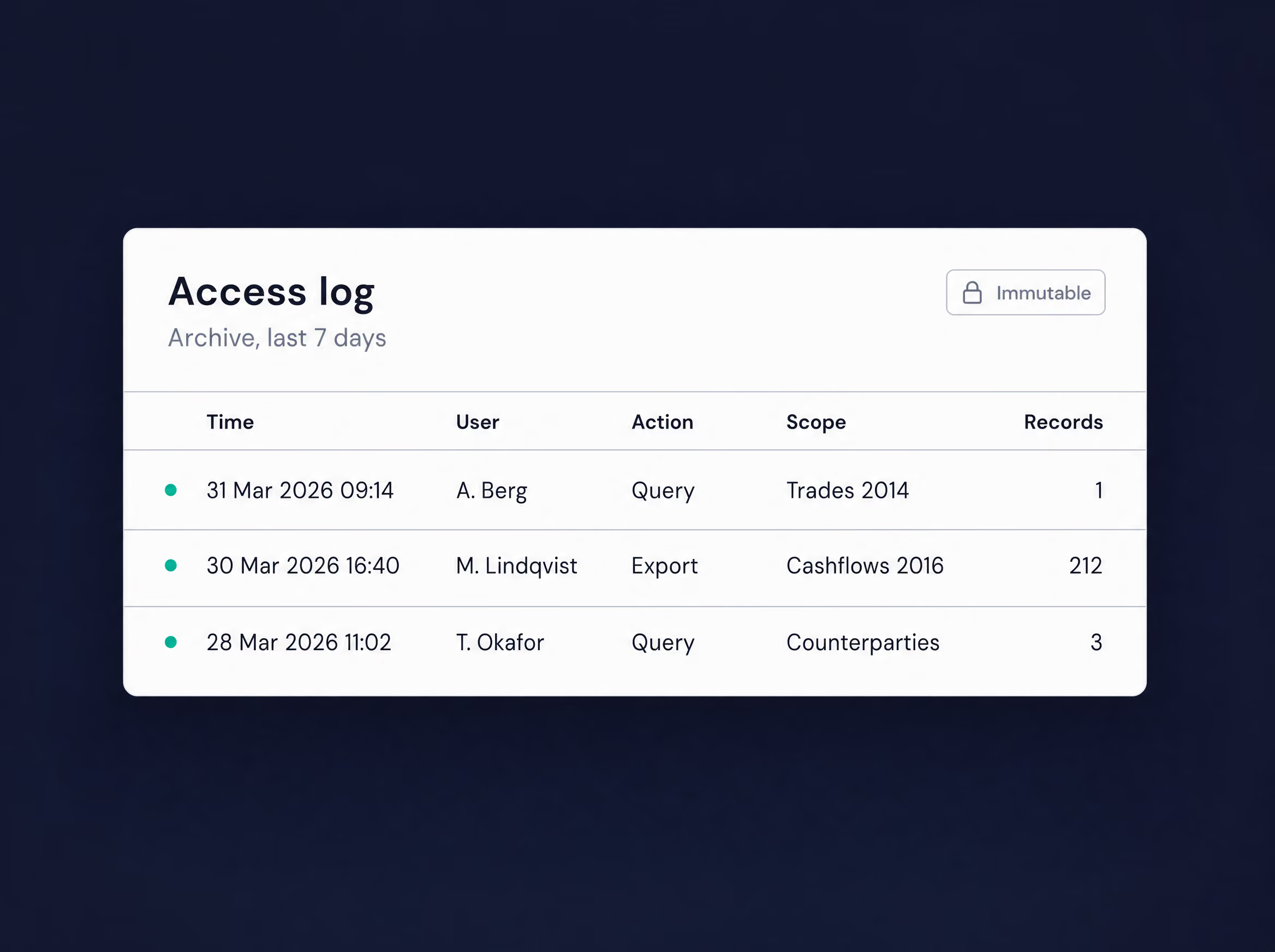
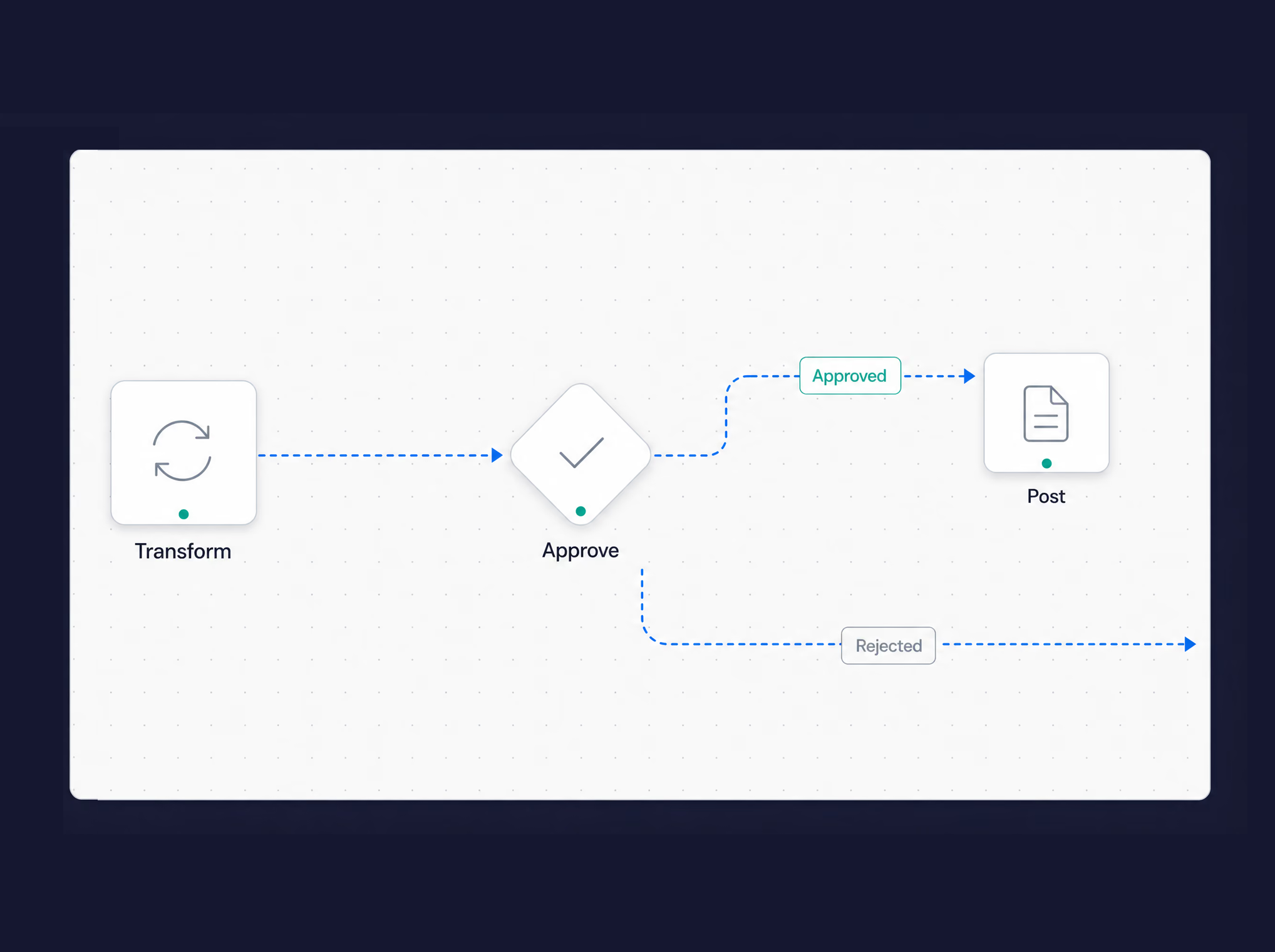
Every change set is prepared by one person, validated by the system and approved by another, and the trail stays with the record — so an auditor's question is a lookup, not an investigation.
Use cases
Master data synchronisation
Keep reference data aligned across systems.
Counterparty onboarding
Standardise and automate new counterparty setup.
Account setup automation
Configure accounts consistently across entities.
Configuration rollout
Roll out configuration changes across multiple entities at once.
New module setup
Handle the initial data imports and configuration tasks when standing up a new module of your treasury system.
Toyota Financial Services needed to load and test complex static data for asset-backed securities, up to 30 accounting mapping rules per portfolio. SkySparc configured OmniFi to set up and validate those mapping rules through a simple interface. Manual data entry eliminated; the task now runs in a few clicks by any team member as part of automating key processes up to 9x faster.


Explore more from OmniFi
Each OmniFi product stands on its own, and they're stronger combined. Explore what else could support your treasury operations.
Keep your reference data clean at source.
Book a demo and we'll show you how Data Manager automates the maintenance your team does by hand.
