
Orchestrate complex treasury processes visually, without code.
OmniFi Workflows is a low-code orchestration tool for designing, running, and managing treasury processes that span multiple systems. Users draw flowcharts in a browser-based visual designer and every execution is recorded step by step with a full audit trail.
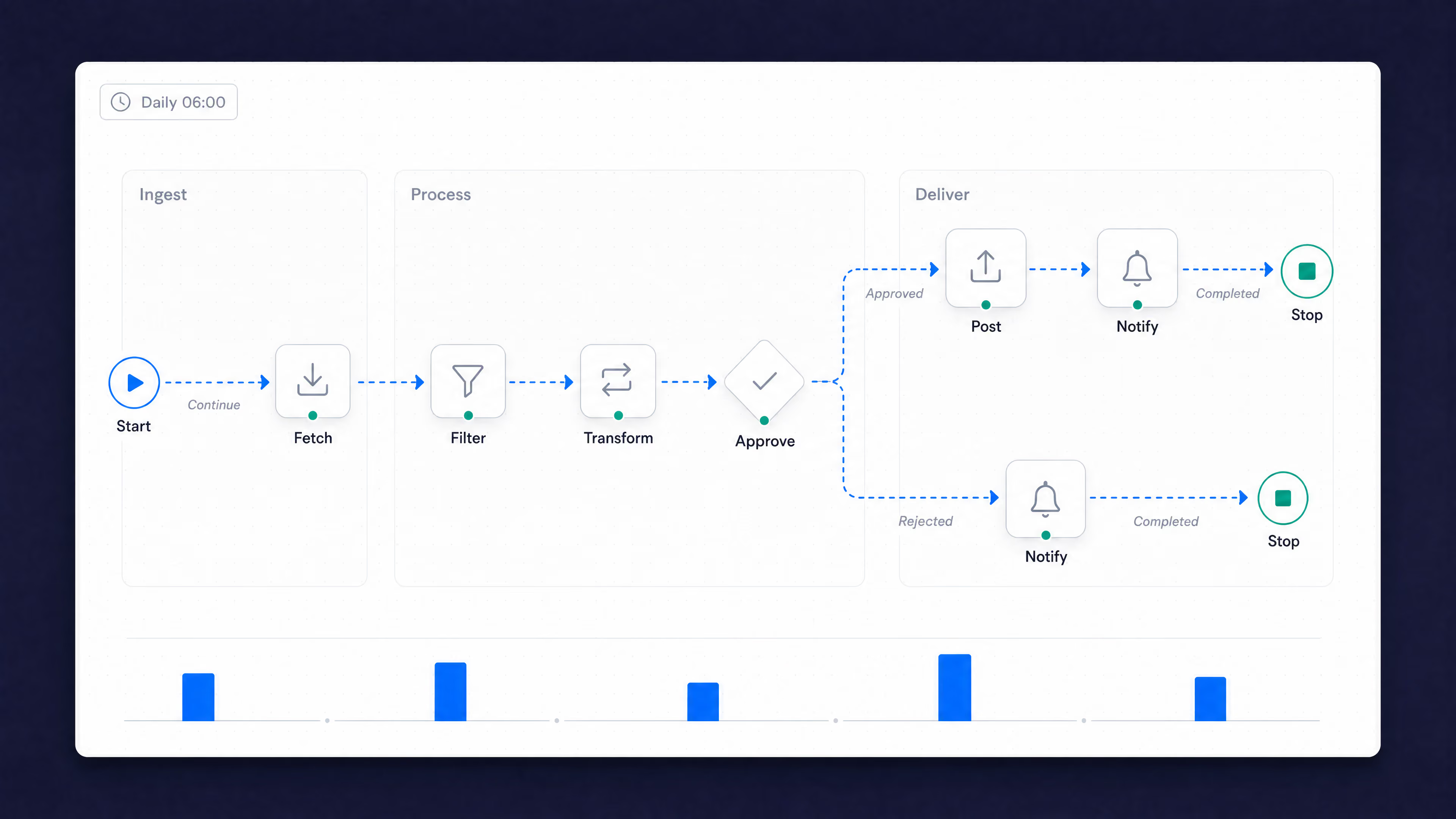
Many critical processes still run by hand, across systems that were never meant to talk to each other
End-of-day runs, payment cycles, and data loads span the TMS, ERP, banking portals, and market data feeds, held together by manual steps, checklists, and the one person who knows the sequence. They are slow, fragile, and exposed: a missed step cascades downstream and there is rarely a clean record of what ran, when, and why. Changing or automating any of it usually means an IT ticket.
OmniFi Workflows turns those processes into visual, automated flows that treasury teams build and own themselves, with branching, error handling, and a step-by-step audit trail built in.
What you can do with
Workflows
Built by treasury. Not by IT
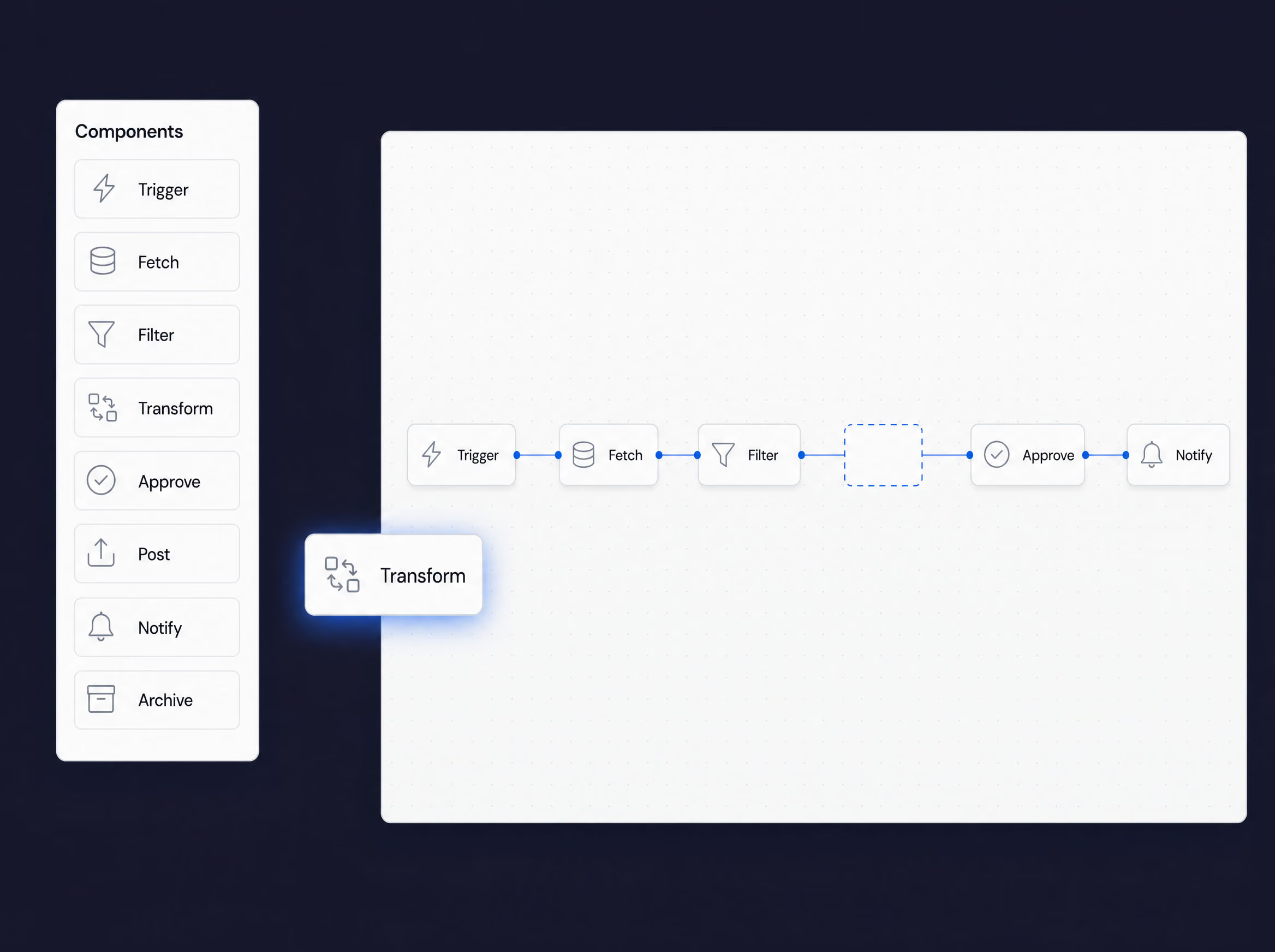
Drag operations onto a browser canvas and connect them — Fetch, Filter, Transform, Approve, Notify. The people who know the process build it, change it and own it, without a developer or a desktop client.
Handles the exceptions. Not just the happy path
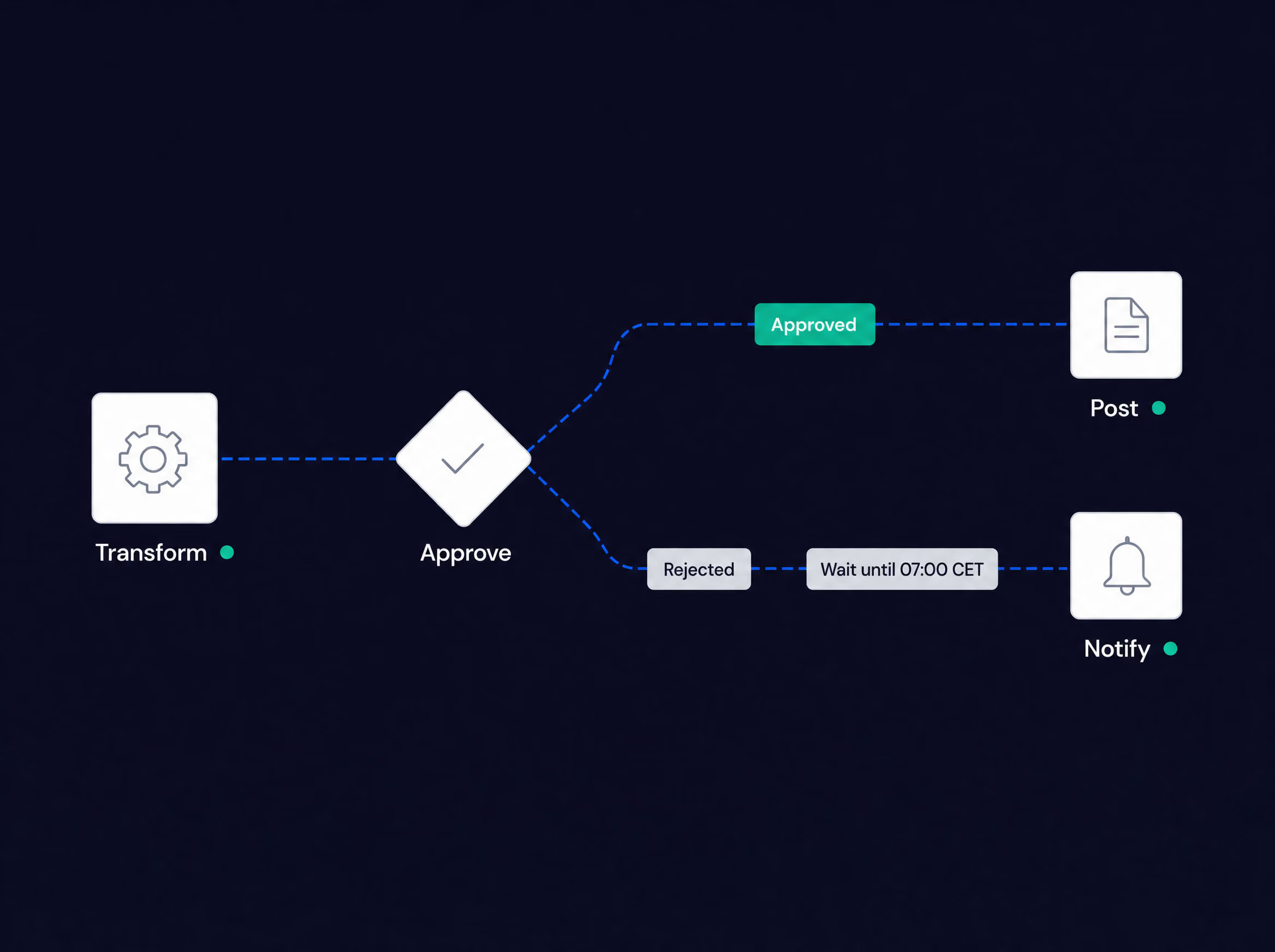
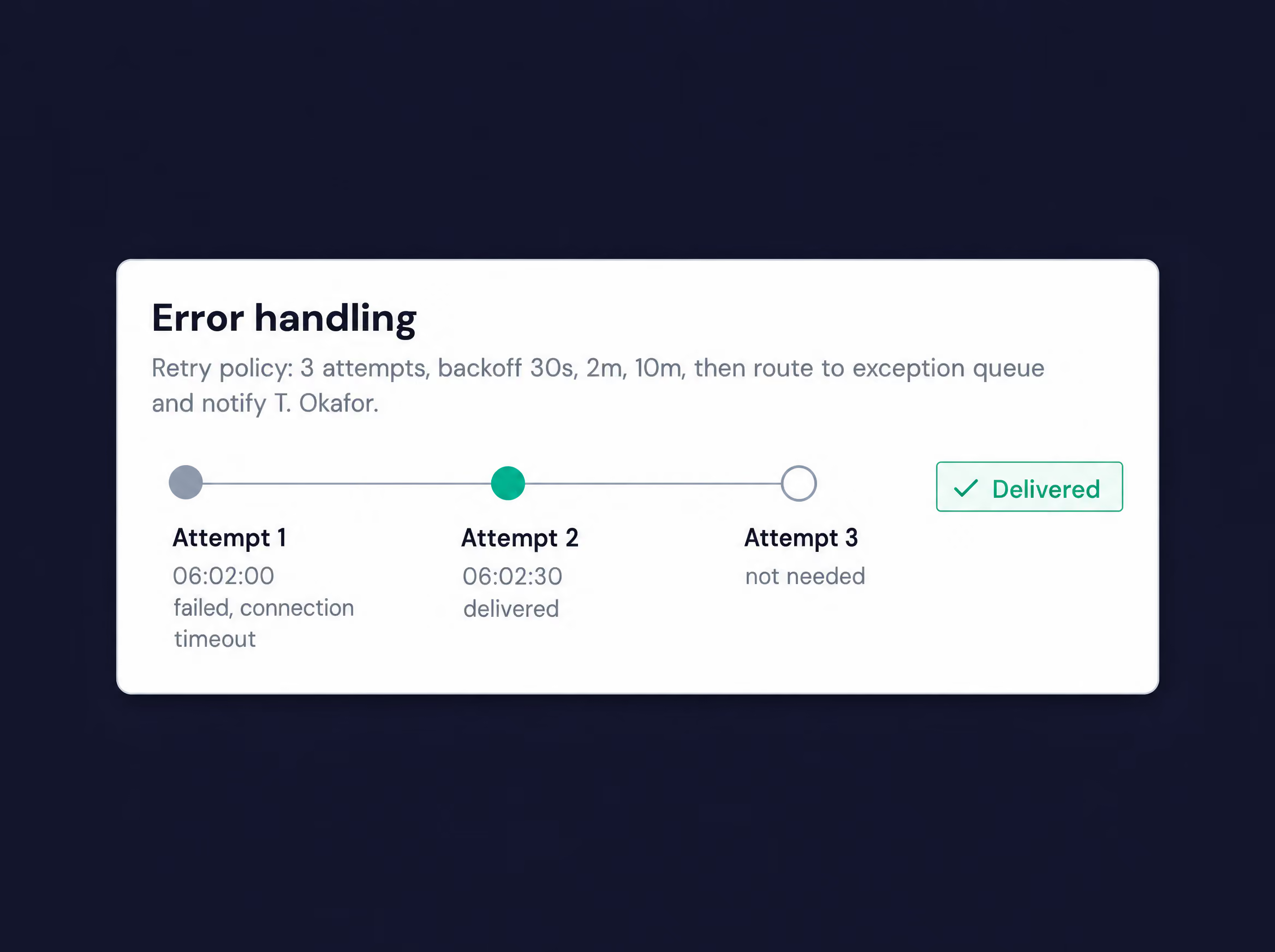
Real processes branch, wait for cut-offs and occasionally fail. Approve or reject, retry, gate on market hours — the flow carries on and tells a human exactly where it needs one.
Every run, on the record
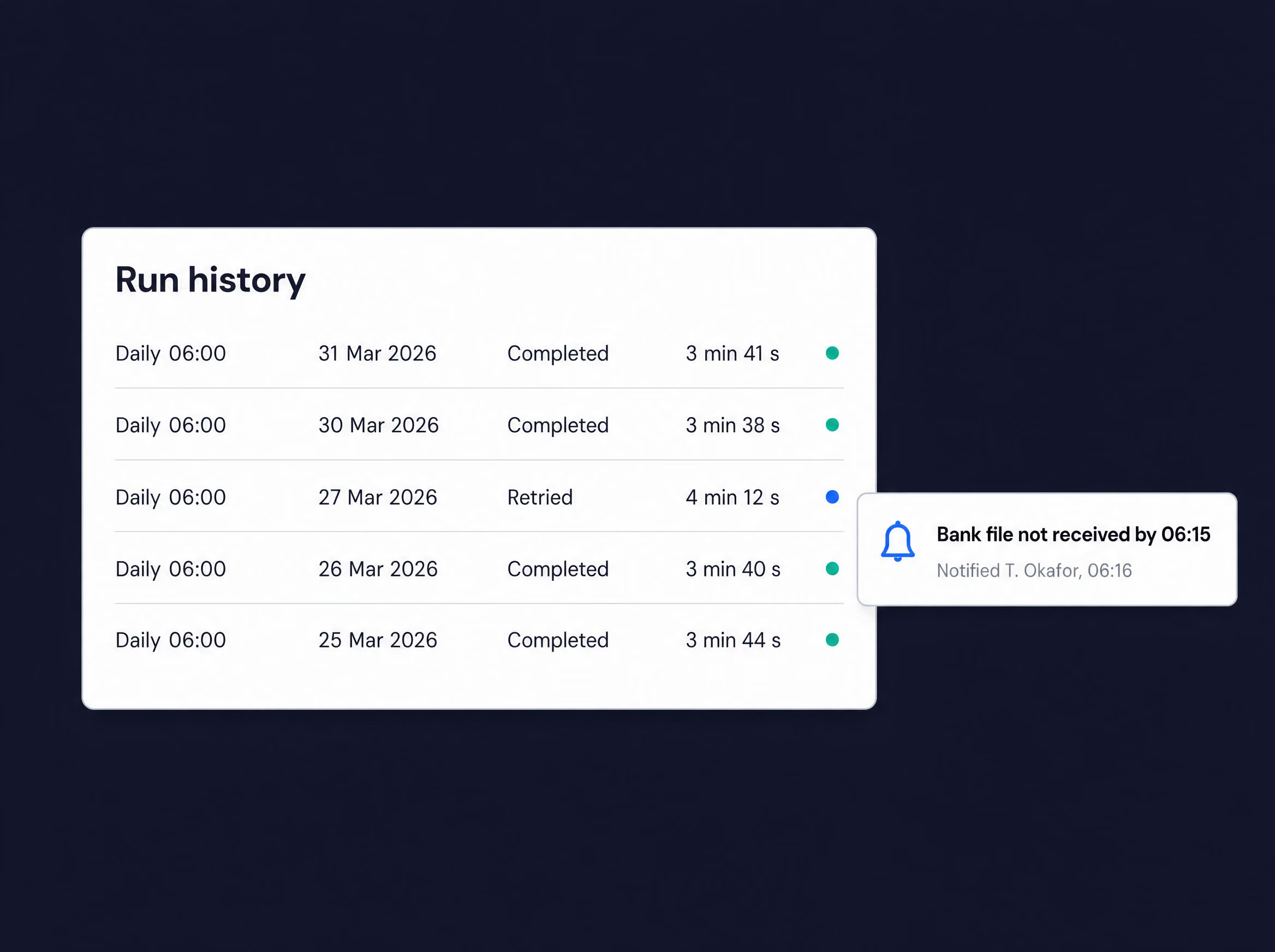
Each execution is logged step by step with timings and outcomes, and scheduled checks watch your data for anything odd. Operations see status at a glance; audit sees exactly what ran, when and why.
Use cases
End-of-day processing
Automate the full close sequence across systems, with checks and error handling at each step.
Payment runs
Orchestrate payment generation, approval, and submission across TMS and banking platforms.
Trade platform interfacing
Capture and route trades between external trading venues and your TMS.
Report distribution
Trigger report generation and delivery as steps within a larger flow.
System-to-system sync
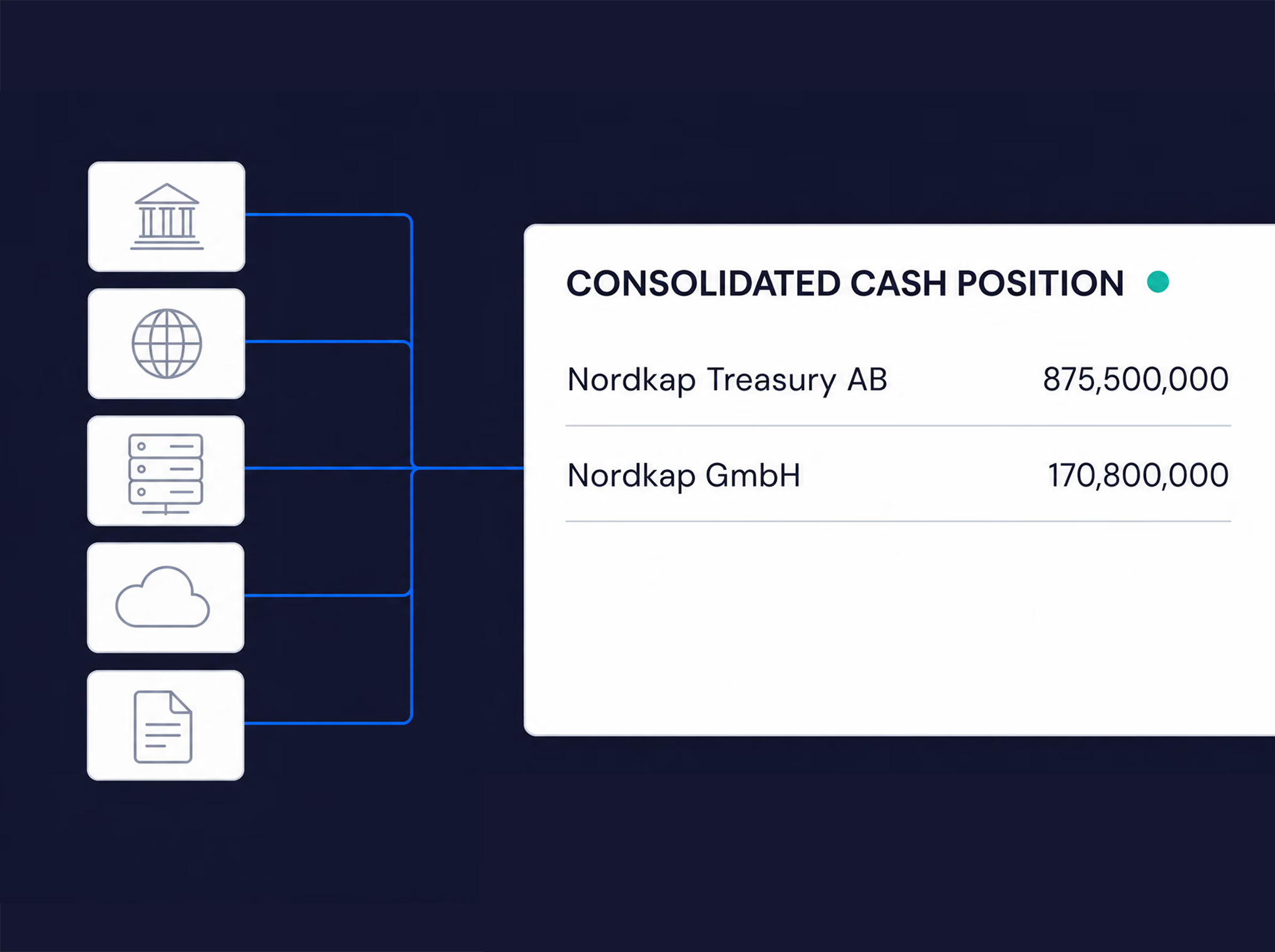
Keep data aligned across TMS, ERP, and surrounding systems on a schedule or trigger.
Data-quality monitoring and anomaly detection
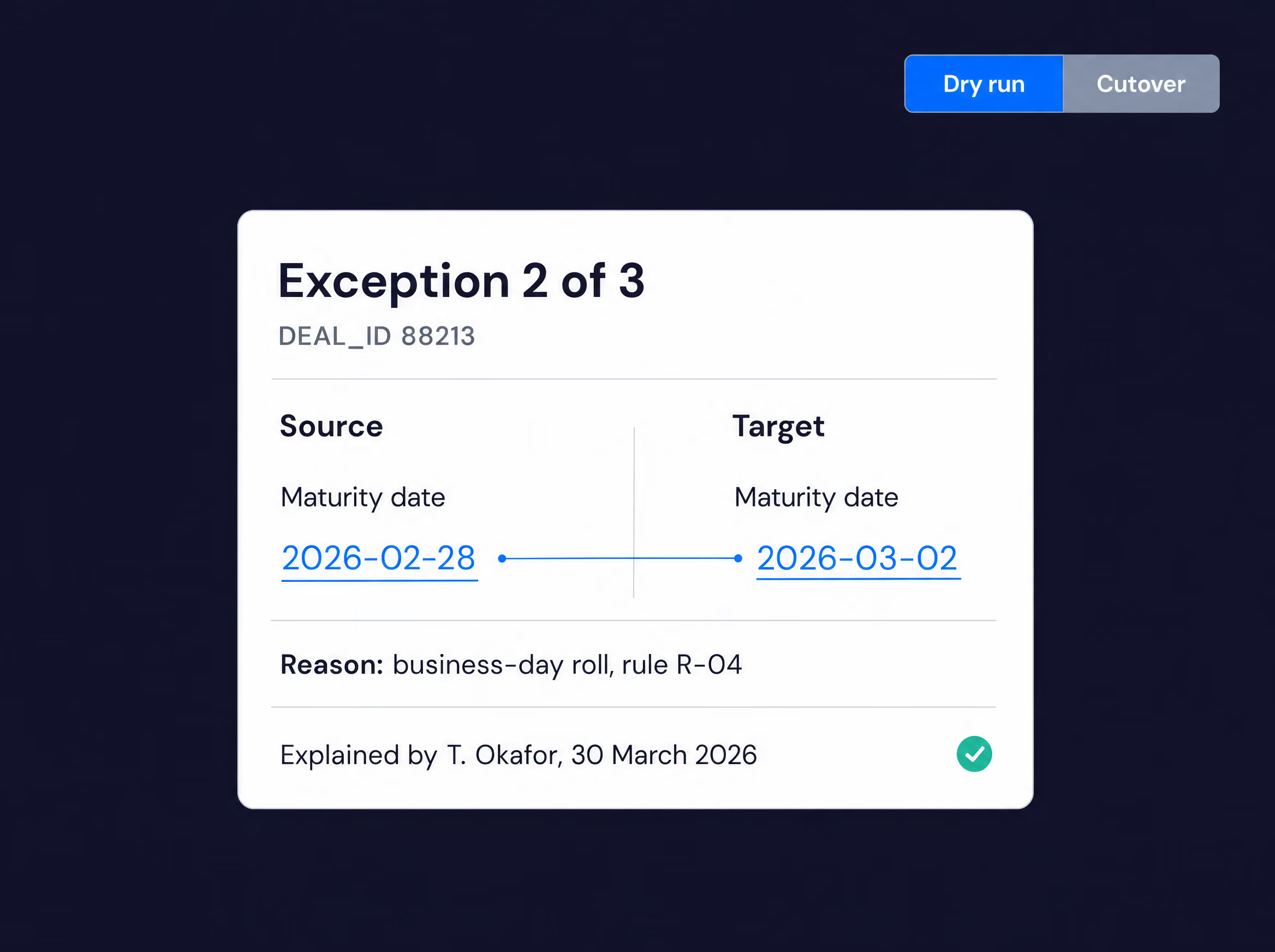
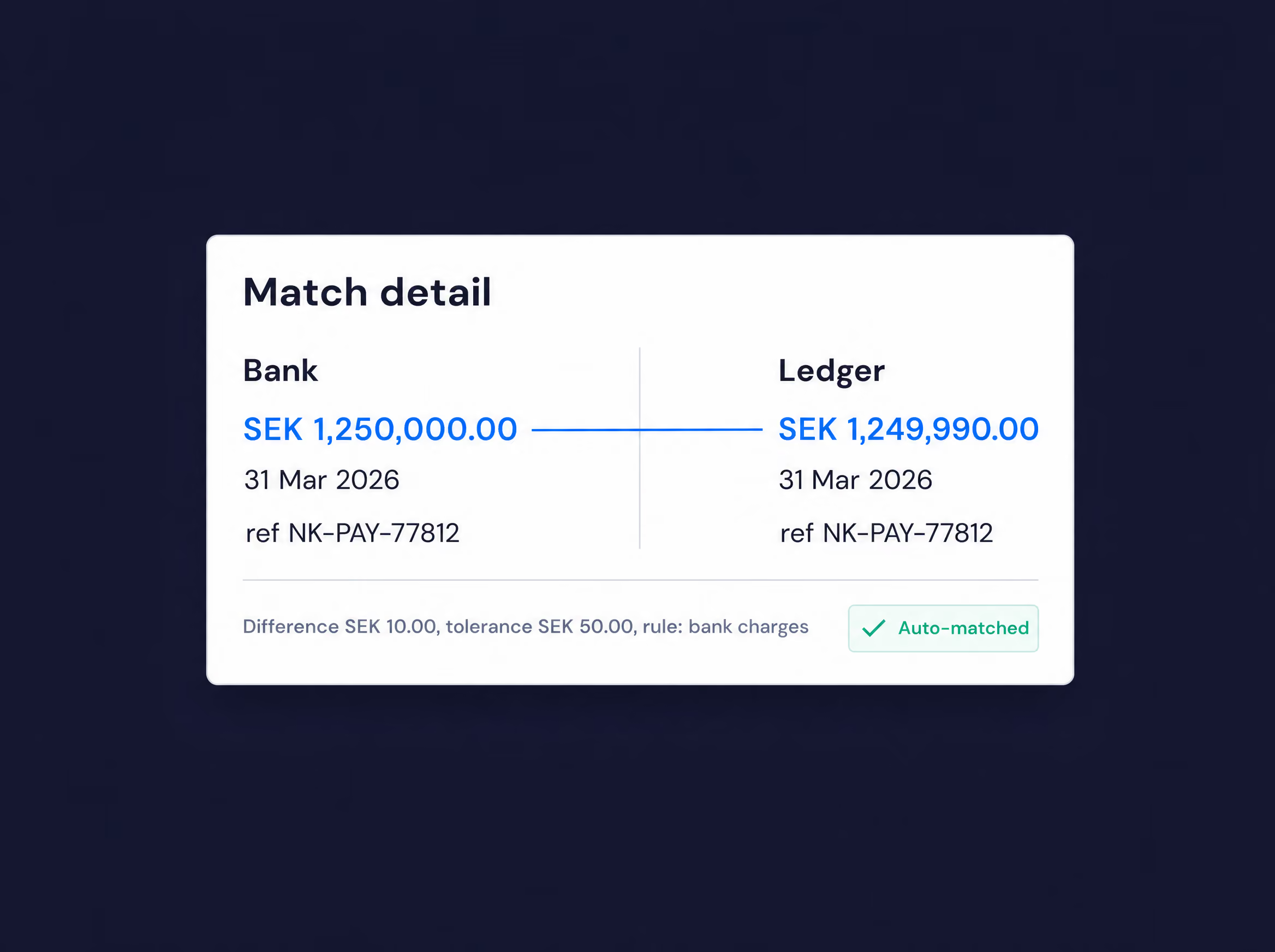
Continuously check incoming and cross-system data for inconsistencies, gaps, and anomalies.
Telia's intercompany FX and loan order process ran on spreadsheets and email between subsidiaries and the front office. OmniFi standardised the workflow and integrated it directly with the treasury system, with configurable checks and routing. The result: a single, controlled, fully auditable channel with far less email and manual entry.


Explore more from OmniFi
Each OmniFi product stands on its own, and they're stronger combined. Explore what else could support your treasury operations.
Automate the processes your team runs by hand
Book a demo and we'll show you how Workflows turns manual treasury processes into visual, audited flows.
